Free Invoice Templates 2026: Download Professional Invoices for Any Business
Access professionally designed invoice templates completely free. Choose from dozens of customizable formats for any industry—from freelancing to retail. Download instantly in Word, Excel, or PDF format at Adivoq.
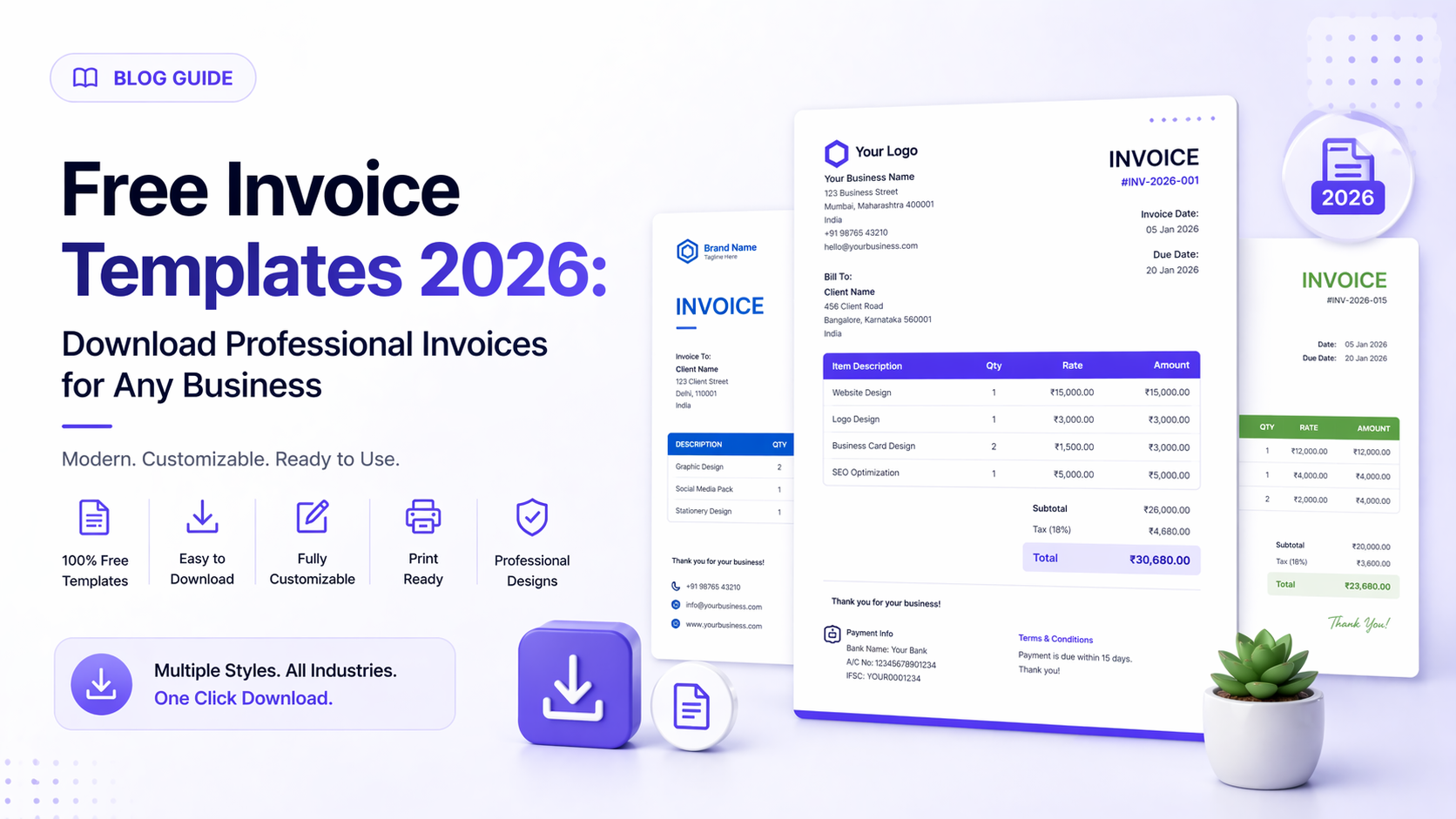
Free Invoice Templates 2026: Download Professional Invoices for Any Business
First impressions matter in business, and your invoice is often one of the first documents clients receive from you. A professional invoice template communicates credibility, organization, and attention to detail—qualities every client values.
What Makes a Good Invoice Template?
A professional invoice template balances aesthetics with functionality. It should look polished while including all essential information for clear, compliant billing.
Essential elements of effective invoice templates:
- Clear business and client information
- Unique invoice number and date
- Itemized products or services
- Quantities, rates, and totals
- Tax calculations
- Payment terms and due dates
- Payment method instructions
- Professional branding
Types of Invoice Templates Available at Adivoq
Our free invoice templates cover every business need and industry:
Basic Invoice Templates
Simple, clean designs perfect for:
- New freelancers
- Small service businesses
- Consultants
- Quick one-time transactions
Features: Minimalist layout, essential fields only, easy customization, fast completion.
Professional Invoice Templates
Polished designs for established businesses:
- Corporate contractors
- Professional services
- B2B transactions
- Client-facing businesses
Features: Sophisticated formatting, company logo placement, detailed line items, professional color schemes.
Service Invoice Templates
Designed specifically for service providers:
- Consulting firms
- Marketing agencies
- IT services
- Creative professionals
Features: Hourly rate calculations, project descriptions, milestone billing, retainer tracking.
Product Invoice Templates
Optimized for product-based businesses:
- Retail stores
- E-commerce sellers
- Wholesale distributors
- Manufacturing companies
Features: SKU numbers, product codes, quantity tracking, inventory integration, shipping details.
Recurring Invoice Templates
Perfect for subscription-based businesses:
- SaaS companies
- Membership services
- Retainer agreements
- Monthly service contracts
Features: Billing cycle information, subscription details, auto-renewal notices, payment schedules.
Industry-Specific Invoice Templates
Different industries have unique invoicing needs. Our invoice template free collection includes specialized formats for:
Freelance Invoice Templates
Designed for independent professionals:
- Graphic Designers: Project milestones, revision rounds, usage rights
- Writers and Editors: Word count, per-article pricing, rush fees
- Web Developers: Hourly development, hosting fees, maintenance packages
- Photographers: Shoot fees, editing time, licensing, print costs
Construction Invoice Templates
Built for contractors and trades:
- Labor and materials breakdown
- Permit and inspection fees
- Change order documentation
- Progress billing for large projects
- Lien waiver information
Medical Invoice Templates
Compliant formats for healthcare providers:
- CPT codes
- Insurance information
- Patient responsibility amounts
- Payment plan options
- HIPAA-compliant design
Legal Invoice Templates
Professional formats for law firms:
- Billable hours by attorney
- Case numbers and matter references
- Retainer application
- Trust account management
- Detailed time entries
Choosing the Right Invoice Template Format
Our professional invoice templates come in multiple file formats to match your workflow:
Word Invoice Templates
Best for: Businesses using Microsoft Word, frequent template customization, adding detailed notes.
Advantages:
- Easy text editing
- Familiar interface
- Print-ready formatting
- Compatible with most systems
Excel Invoice Templates
Best for: Businesses needing automatic calculations, inventory tracking, data analysis.
Advantages:
- Automatic tax and total calculations
- Formula-based pricing
- Easy data export
- Customizable formulas
PDF Invoice Templates
Best for: Finished invoices, professional distribution, preventing unauthorized changes.
Advantages:
- Universal compatibility
- Professional appearance
- Cannot be easily altered
- Smaller file sizes
Google Docs/Sheets Templates
Best for: Cloud-based businesses, team collaboration, remote access.
Advantages:
- Access from anywhere
- Real-time collaboration
- Automatic saving
- Free software required
Customizing Your Invoice Template
A free invoice template becomes truly yours through customization. Here's how to make our templates match your brand:
Adding Your Branding
Logo Placement: Position your company logo prominently at the top. Recommended size: 200x80 pixels for digital invoices.
Color Scheme: Match your brand colors in headers, borders, and accent elements. Use tools like your website's color palette.
Typography: Choose fonts that reflect your brand personality:
- Modern businesses: Sans-serif fonts (Helvetica, Arial)
- Creative industries: Unique fonts (while maintaining readability)
- Professional services: Classic serif fonts (Times New Roman, Georgia)
Personalizing Content
Payment Terms: Adjust standard terms to match your business policies:
- Due immediately
- Net 15, 30, 45, or 60
- 2/10 Net 30 (2% discount if paid within 10 days)
- Installment plans
Notes Section: Add personalized messages:
- "Thank you for your business!"
- Project-specific details
- Next steps or deliverables
- Referral requests
Contact Information: Include multiple contact methods:
- Primary business phone
- Email address
- Physical address
- Website URL
- Social media handles
Invoice Template Best Practices
Using downloadable invoice templates effectively requires following professional standards:
Numbering System
Establish a consistent invoicing numbering scheme:
- Sequential: INV-001, INV-002, INV-003
- Date-based: 2026-04-001, 2026-04-002
- Client-specific: CLIENT-001, CLIENT-002
- Hybrid: 2026-ACME-001
Never skip numbers or use the same invoice number twice—it creates confusion and looks unprofessional.
Due Date Clarity
Make payment deadlines crystal clear:
- Specific dates: "Payment due May 15, 2026" (not "within 30 days")
- Bold formatting: Make due dates stand out visually
- Deadline reminders: "Invoice is overdue after this date"
Payment Instructions
Remove friction from the payment process:
- List all accepted payment methods
- Include bank details for wire transfers
- Provide PayPal, Venmo, or payment platform links
- Add QR codes for instant payment
- Specify payment reference numbers
Common Invoice Template Mistakes to Avoid
Even with professional business invoice templates, these errors can delay payment:
Missing Tax Information Always include:
- Your business tax ID or VAT number
- Tax breakdown (showing pre-tax amount + tax = total)
- Tax exemption status if applicable
Unclear Descriptions Avoid vague line items like "Services rendered." Instead:
- "Website homepage redesign - 15 hours @ $100/hr"
- "Logo design including 3 revision rounds"
- "Monthly SEO optimization package - April 2026"
No Late Payment Terms Include late payment policies:
- Interest rate on overdue amounts (e.g., "1.5% monthly interest on overdue balances")
- Late fees (e.g., "$25 late fee after 30 days")
- Collection procedures
Inconsistent Formatting Maintain consistency across all invoices:
- Same template design
- Identical contact information
- Consistent currency symbols
- Uniform date formats
How Free Invoice Templates Save Time and Money
Consider the math: Creating a custom invoice from scratch takes approximately 30 minutes. Using a free invoice template reduces this to 3-5 minutes.
Time savings calculation:
- 20 invoices per month × 25 minutes saved = 500 minutes (8.3 hours) monthly
- At $50/hour value = $415 monthly savings
- Annual savings = $4,980 in recovered time
Beyond time, professional invoice templates improve:
- Payment speed (clearer invoices get paid 35% faster)
- Professional image (polished invoices win repeat business)
- Error reduction (template fields prevent missing information)
- Compliance (templates include necessary legal elements)
Invoice Template Customization Tips by Business Size
Solopreneurs and Freelancers
Keep it simple but professional:
- Use: Basic or professional templates
- Customize: Add personal touch with brand colors
- Focus on: Clear payment instructions, quick completion
- Skip: Complex multi-page formats
Small Businesses (2-10 employees)
Balance professionalism with efficiency:
- Use: Professional or industry-specific templates
- Customize: Full branding, standardized terms
- Focus on: Consistency across team, automated calculations
- Add: Payment tracking, client database integration
Growing Businesses (11-50 employees)
Scale requires systematization:
- Use: Professional templates with tracking numbers
- Customize: Department-specific versions, approval workflows
- Focus on: Integration with accounting software, reporting
- Add: Multi-currency support, tax automation
Integrating Invoice Templates with Your Workflow
Maximize efficiency by connecting your invoice template free download with other tools:
Accounting Software Integration
Import invoice data into:
- QuickBooks
- FreshBooks
- Xero
- Wave Accounting
Project Management Connections
Link invoicing to:
- Trello
- Asana
- Monday.com
- Project delivery milestones
Payment Processing
Connect invoices to:
- Stripe
- PayPal
- Square
- Bank ACH transfers
Mobile-Friendly Invoice Templates
In 2026, 67% of invoices are viewed on mobile devices first. Our invoice templates free download options are optimized for:
- Smartphone screens
- Tablet viewing
- Email preview panes
- Responsive layouts
This ensures clients can review and approve invoices anywhere, accelerating payment.
International Invoice Templates
For businesses with global clients, our templates support:
- Multiple currencies (USD, EUR, GBP, INR, and 100+ more)
- International date formats
- VAT and GST compliance
- Multi-language options
- Cross-border payment instructions
Legal Compliance in Invoice Templates
Professional invoice templates download options include legally required elements:
Required in Most Jurisdictions:
- Business legal name and address
- Tax identification number
- Unique invoice identifier
- Invoice date
- Payment terms
- Itemized charges
Industry-Specific Requirements:
- Healthcare: CPT codes, insurance information
- Construction: Contractor license numbers
- International: Incoterms, country of origin
Downloading and Using Your Free Template
Getting started with Adivoq's free professional invoice templates takes seconds:
Step 1: Browse Templates Visit www.adivoq.com and explore our template library organized by:
- Industry
- Business size
- Design style
- File format
Step 2: Download Instantly No registration required. Click your chosen template and download immediately in your preferred format.
Step 3: Customize Open in Word, Excel, or PDF editor and add your information:
- Company details
- Logo
- Brand colors
- Payment terms
Step 4: Save as Master Keep your customized template as a master file for future use.
Step 5: Create Invoices Make a copy for each new invoice, fill in client and project details, and send.
Frequently Asked Questions
Are Adivoq's invoice templates really free? Yes, completely free to download and use. No hidden fees, watermarks, or usage limits.
Can I edit the templates? Absolutely. All templates are fully editable in Word, Excel, or PDF editors.
Do I need special software? No. Templates work with Microsoft Office, Google Docs/Sheets, LibreOffice, and PDF editors.
Can I use templates for commercial purposes? Yes, use them for your business without restrictions or attribution requirements.
Are templates updated for current tax laws? Yes, templates include current tax calculation fields and compliance elements.
Conclusion: Professional Invoicing Starts with the Right Template
You don't need expensive software or design skills to create professional invoices. With Adivoq's free invoice templates, you get:
- Professionally designed formats
- Industry-specific options
- Fully customizable layouts
- Multiple file format choices
- Instant downloads with no registration
Stop creating invoices from scratch. Start using professional templates that save time, look polished, and get you paid faster.
Visit www.adivoq.com now and download your free invoice template in seconds—no signup required.
Written by
Super Admin
Sharing insights about invoicing, freelancing, and business growth to help creators succeed.
Related Articles
View all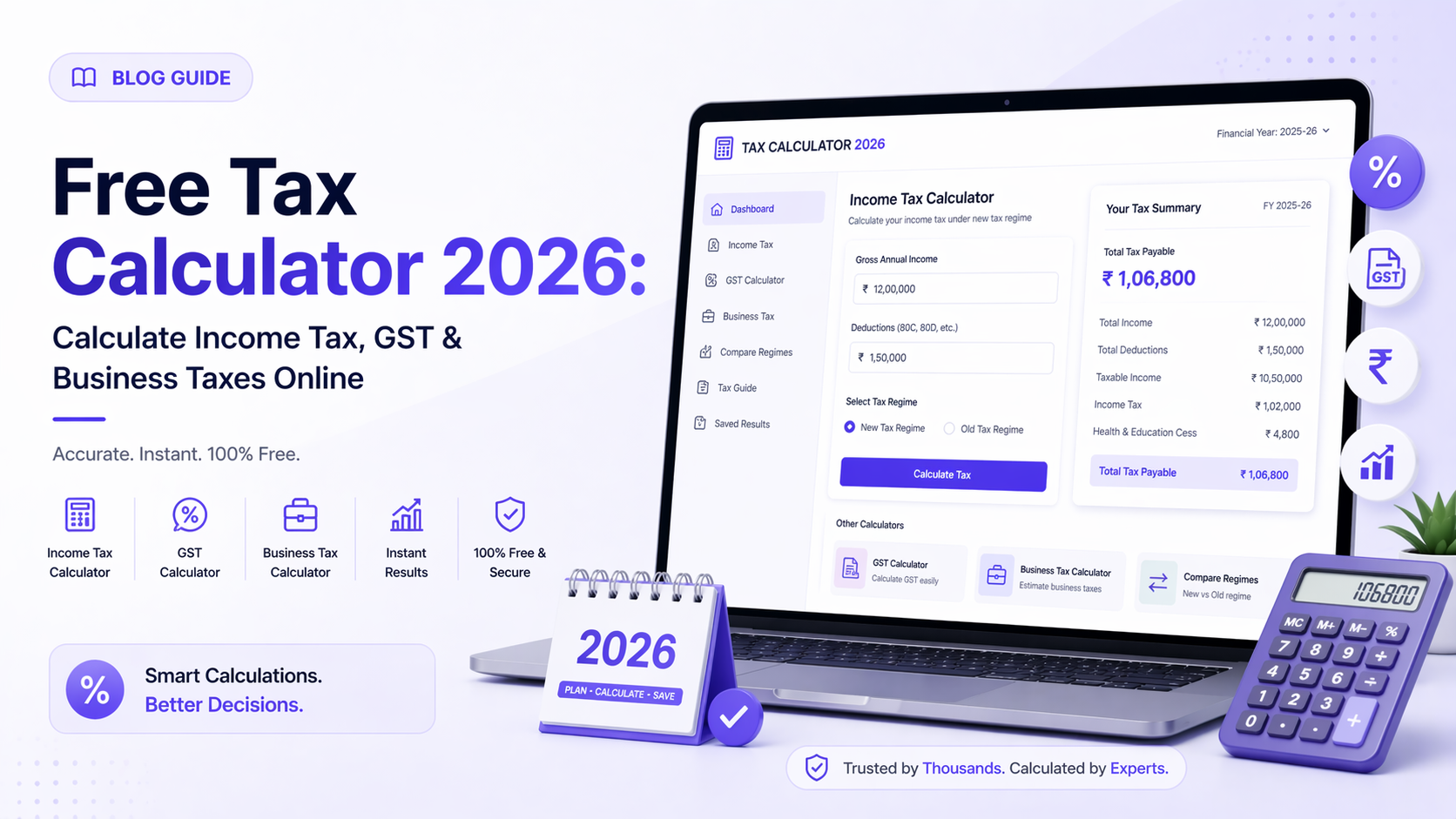
Free Tax Calculator 2026: Calculate Income Tax, GST & Business Taxes Online
May 04, 2026 · 7 min
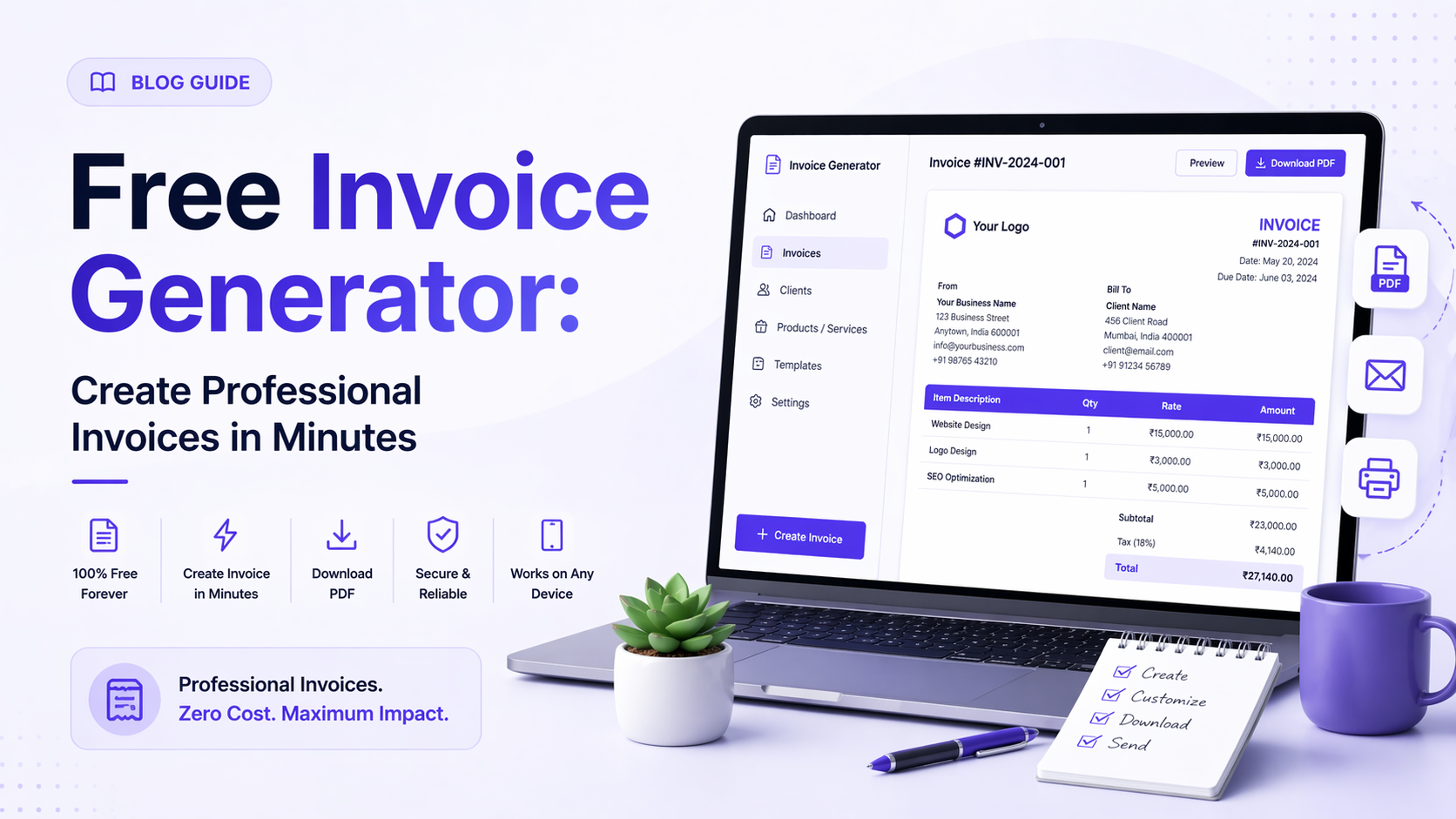
Free Invoice Generator: Create Professional Invoices in Minutes
Apr 27, 2026 · 6 min

How to Manage Multiple Brand Deals Without Losing Track
Apr 20, 2026 · 9 min
Ready to streamline your invoicing?
Join 2,000+ creators already using InvoiceHero to get paid faster.
Start Free Now